AI
Automate the Repetitive Parts of Your Work
By Khai Tran · · 5 min read
Turn a recurring task into a reusable template, an AI draft, and a review step. Start with one workflow and check whether it saves time.
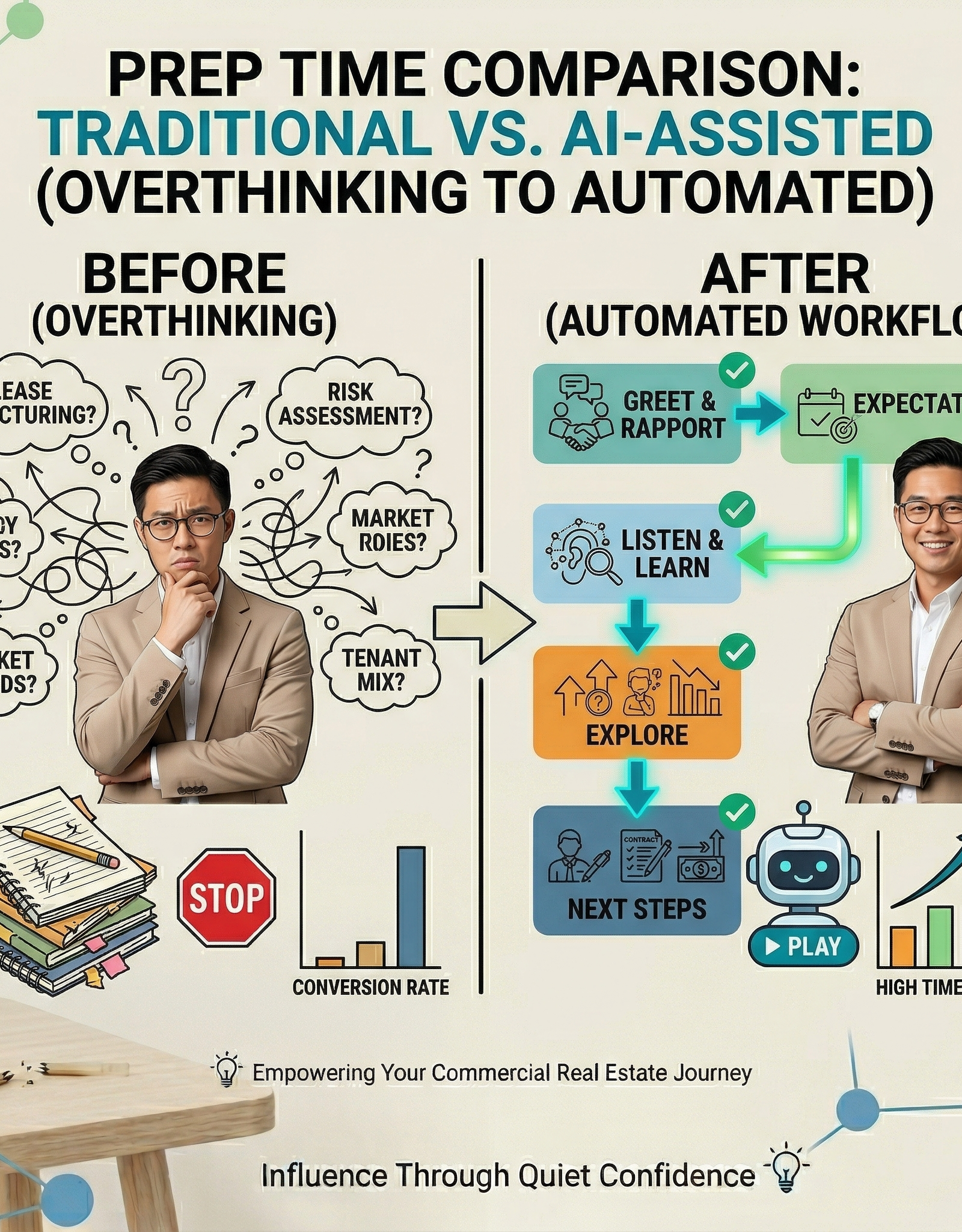
Start With One Repeated Task
If you keep rewriting the same follow-up or rebuilding the same checklist, save a version you can reuse. AI can help adapt it to the next situation, with you checking the facts and deciding what to send.
A useful workflow makes the next step easier to see. It still needs room for exceptions, client preferences, and your judgment.
The 3-Step Framework to Stop Overthinking
You don’t need complex automations to start.
You need structure.
1. Capture the Decision Once
Look for tasks where a reusable starting point would help.
Start here:
- Save your common replies
- Document your outreach scripts
- Store your follow-up structure
Review saved templates when your process, offer, or client circumstances change.
2. Turn It Into a Repeatable Prompt
This is where AI comes in.
Instead of rewriting messages manually, create simple prompts like:
Example Prompt:
“Write a follow-up message for a warm real estate lead who hasn’t responded in 3 days. Keep it casual, short, and non-pushy.”
Now you’re not starting from zero. You’re starting from structure.
3. Attach It to a Trigger
A trigger can create a draft or reminder at the right point in your process.
For example:
- New lead comes in → AI drafts first message
- No reply after 3 days → AI generates follow-up
- Discovery call done → AI summarizes next steps
Now your workflow looks like this: Trigger → Draft → Review → Action
Test the workflow with sample data first. Check contact permissions, replies, and opt-outs before any follow-up is sent.
A Simple AI Workflow You Can Use Today
Here is a workflow to test:
Scenario: Lead Follow-Up System
Step 1: Trigger
New lead enters your CRM.
Step 2: AI Prompt
“Write a friendly first message introducing myself as a real estate agent. Keep it under 3 sentences and ask one simple question.”
Step 3: Output
AI generates a draft.
Step 4: Action
You check the facts, recipient, context, and contact permissions, then decide whether to send.
Follow-Up Automation (3 Days Later)
Prompt:
“Write a short follow-up message checking in with a lead who hasn’t replied. Keep it polite and low-pressure.”
This removes the hardest part: figuring out what to say.
Keep the Decisions That Matter
Templates can save you from rewriting routine instructions. Decisions about a client’s needs, a negotiation, or a sensitive message still deserve attention. If a workflow makes those decisions harder to see, simplify it.
Where to Start (Without Overcomplicating It)
If you’re new to AI systems, don’t try to automate everything.
Start with one:
- Follow-ups
- Listing descriptions
- Client summaries
- Daily planning
Pick the one task you overthink the most.
Then ask:
“Which parts repeat, and which parts need my review?”
That’s your first system.
Check Whether It Helps
Measure how long the task takes before and after the change, including review and corrections. Keep the automation if it makes the work easier to manage. Revise or remove it if it creates more cleanup than it saves.
Download the free 5 AI Automations Guide → https://khaitranofficial.com/ai-ops