AI
AI Data Hygiene: Compliance and Consent in Your CRM
By Khai Tran · · 5 min read
A CRM cleanup checklist for reviewing duplicate records, consent fields, access permissions, and AI-generated changes with your brokerage.
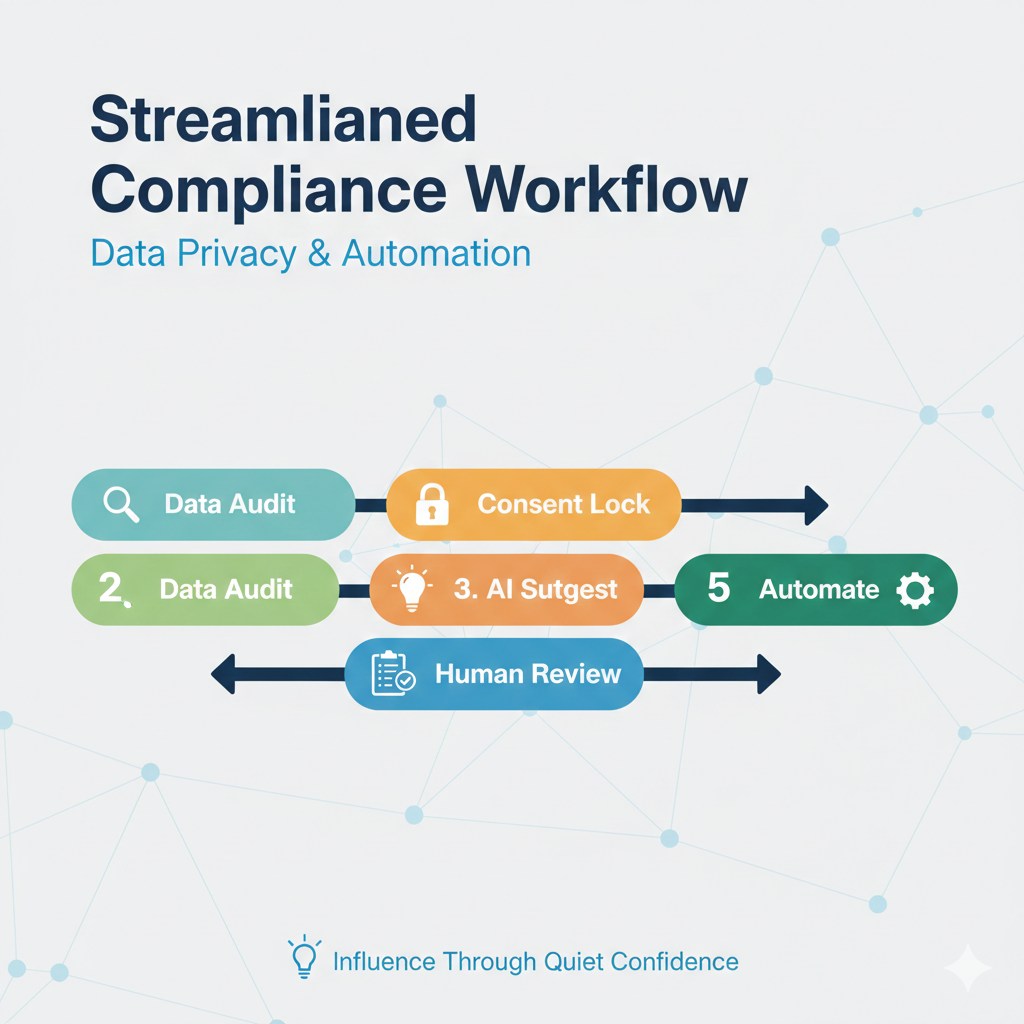
Duplicate contacts, missing consent records, and outdated notes make CRM automation difficult to review. Before adding AI, check what is in the database and who can change it.
This checklist covers data quality, consent records, permissions, and routine review. Confirm the requirements with your brokerage before applying it.
Check the Data Behind Each Workflow
An automation can act on an outdated field unless the workflow checks it first.
If your CRM says:
- Lead status: “Hot”
- Last contact: 18 months ago
- No consent field updated
AI might:
- Trigger an automated nurture
- Draft a follow-up message
- Add them to a marketing campaign
Now you’ve got potential issues under TCPA, CAN-SPAM, or brokerage compliance rules.
Step 1: Run a Compliance-Focused Data Audit
Before using AI tools, audit your CRM manually (or with AI support).
Start with these checks:
🔎 Contact Integrity Audit
- Remove duplicate contacts
- Merge fragmented profiles
- Standardize naming conventions
- Archive dead leads
🔐 Consent Verification Audit
- Is email consent documented?
- Is SMS consent clearly tagged?
- Are opt-outs properly logged?
- Is there proof of source capture?
🗂 Documentation Audit
- Notes contain confidential information?
- Sensitive data stored improperly?
- Expired client agreements still marked active?
Review proposed changes before applying them, especially merges and deletions.
Step 2: Set Field Permissions
Decide which fields an approved tool may read or propose changes to.
Create two categories:
Fields to Evaluate for Automation
- Lead status
- Source
- Property interest
- Follow-up date
- Engagement score
⚠️ Restricted Fields
- Legal notes
- Financial information
- Personal identifiers beyond standard contact info
- Internal compliance flags
When implementing AI data cleaning in real estate CRM, clearly define what the system can modify and what it can only analyze.
Keep permission checks in the workflow; a prompt alone cannot enforce them.
Step 3: Use Structured Prompts for AI Data Cleaning
This sample prompt requests suggestions for human review:
AI CRM Cleanup Prompt Template
Review this contact record. 1. Identify duplicate data fields. 2. Standardize formatting (phone, email, tags). 3. Do NOT modify consent tags. 4. Do NOT remove notes marked “legal” or “broker review.” 5. Suggest updates instead of auto-applying changes.
Review the proposed changes against the original record before saving them.
Step 4: Create a Consent-Tag Automation Rule
If someone opts out and your CRM doesn’t trigger a hard stop rule, AI may still include them in:
- Newsletter summaries
- Market updates
- AI-generated follow-ups
You need a non-negotiable automation rule:
If a contact has opted out of marketing, suppress the relevant marketing messages. Have the brokerage define how required service or transaction communications are handled separately.
Have the brokerage review the suppression rules and test that every relevant workflow honors them.
Step 5: Build a Monthly AI Data Hygiene Routine
Set a recurring review of new records and automated messages:
Monthly AI Data Hygiene Checklist
- Review new contacts for consent accuracy
- Spot-check 10 AI-generated messages
- Verify opt-out logs
- Review stale records against the approved retention policy and any legal hold before archiving or deleting anything
- Update tags for active clients
Document corrections so recurring data problems can be traced to their source.
Step 6: Align With Brokerage & State Compliance Rules
Every brokerage has policies around:
- Data retention
- Marketing approval
- Communication tracking
- Record archiving
Before expanding AI automation, confirm:
- AI summaries saved in approved formats
- Messages comply with brokerage disclaimers
- Communication logs are exportable
Document who approves changes and who reviews exceptions.
Before You Turn On Automation
Review the records, confirm the consent rules, and test a small batch. Keep a person responsible for checking the results and handling exceptions.
Browse the free guides in Resources for more workflow examples.
Download the free 5 AI Automations Guide → https://khaitranofficial.com/ai-ops