AI
Using AI to Prep for Investor Calls
By Khai Tran · · 6 min read
Use AI to organize permitted deal information, prepare questions, and draft an investor call outline. Verify the source records and calculations before the call.
Use AI to Organize Your Investor Call Prep
Start with the investor’s priorities and the property records you need to discuss. AI can help organize that material into an outline and suggest questions you may have missed. Check every figure and conclusion against the source before presenting it.
Only use material you are authorized to send to the selected tool under its current data settings and your brokerage’s requirements. Removing names or paraphrasing a document does not by itself grant permission to upload MLS data, a confidential offering memorandum, or client information. Use fictional examples while testing.
Step 1: Use AI to Summarize the Deal Quickly
Before any investor call, your first job is clarity.
What are the key facts about the deal?
After confirming upload permissions, ask AI for a summary to check against the offering memorandum. The summary does not replace reading the relevant records.
Example Prompt
Summarize this offering memorandum for an investor call. Focus on: Purchase price Cap rate NOI Value-add opportunities Major risks
Ask it to cite the source section for each point and mark missing information. Check those references, and recalculate the financial figures separately.
Step 2: Generate Investor Talking Points
Once the deal is clear, the next step is framing.
Investors don’t just want numbers, they want the story behind the opportunity.
This is where AI helps structure your messaging.
Example Prompt
Create 5 talking points for presenting this deal to a commercial real estate investor. Focus on upside potential, risk mitigation, and market demand. You’ll get ideas like:
- What evidence supports the demand assumption
- What an operating improvement would cost and what could prevent it
- How the cap-rate comparison was selected and where the properties differ
You won’t read these word-for-word on the call.
But they help sharpen your positioning.
Step 3: Prepare for Investor Questions
Experienced investors ask tough questions.
And that’s a good thing.
The better you anticipate those questions, the more confident you sound.
AI can simulate that process.
Example Prompt
Act like a skeptical commercial real estate investor. What questions would you ask about this deal? Typical results include questions about:
- Vacancy risk
- Debt structure
- Exit strategy
- Market supply pipeline
Use the questions to identify research you still need. An AI-generated list may miss a material issue.
Step 4: Run a Quick Risk Analysis
Smart investors want transparency.
They respect brokers and agents who understand both the upside and the risks.
AI can help you stress-test the deal.
Example Prompt
Analyse the risks in this commercial real estate deal and suggest how to address them when speaking to investors. The output often includes insights like:
- Potential tenant rollover concerns
- Sensitivity to interest rates
- Local supply risks
This gives you language to address concerns before investors even raise them.
Step 5: Turn AI Insights Into a Simple Call Outline
The final step is organization.
Your investor call should feel natural, but structured.
After using AI for analysis, ask it to build a call flow.
Example Prompt
Create a 5-minute investor call outline to present this deal clearly. A typical structure might look like:
- Market context
- Property overview
- Investment thesis
- Risks and mitigation
- Next steps
That structure keeps the conversation focused and professional.
Test the Workflow on a Sample Deal
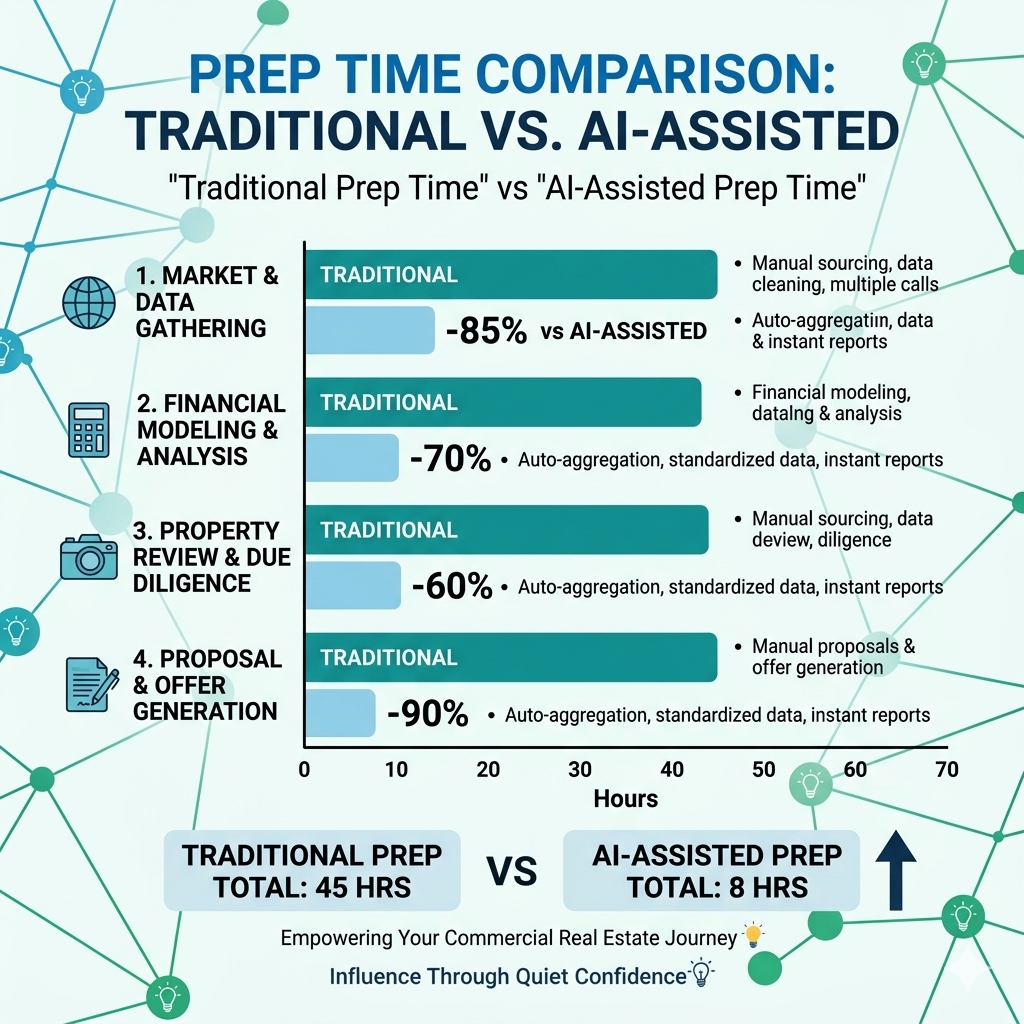
Prepare one call outline manually and another with AI assistance. Record the time spent on drafting, source checks, and corrections. Compare whether each outline clearly covers income, expenses, financing assumptions, material risks, and missing information.
Keep the steps that help you prepare. If the summary misses important terms or adds unsupported conclusions, revise the prompt and review process before using it with a client.
Download the free 5 AI Automations Guide → https://khaitranofficial.com/ai-ops