AI
Data Hygiene: Deduping & Enrichment with AI
By Khai Tran · · 6 min read
Review duplicate records, inconsistent fields, and missing information before adding CRM automation, with AI suggestions checked against the original data.
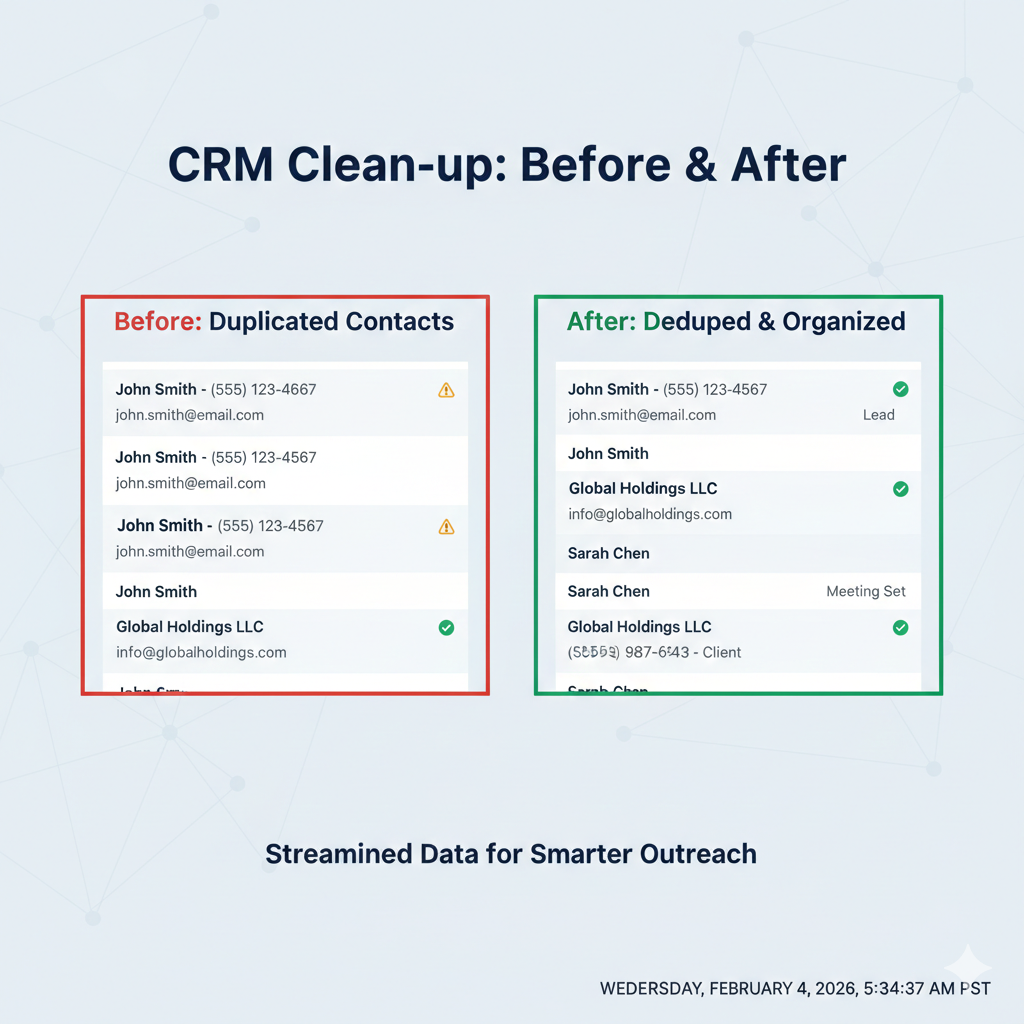
Duplicate contacts and inconsistent fields can send a CRM workflow down the wrong path. Before adding automation, review the records it will use and decide which changes need approval.
Start with an authorized export and a backup. Confirm the AI tool is approved for the contact data, limit access, and keep consent records and legal holds intact. Review proposed merges and deletions before applying them.
AI can suggest possible duplicates and formatting changes. Keep the original records available so those suggestions can be checked.
What “Data Hygiene” Actually Means in a Real Estate CRM
Before tools and workflows, let’s define the goal.
Clean CRM data means:
- One contact = one person
- Key fields are filled consistently
- Contacts tagged by intent, source, and timeline
- Old or irrelevant records don’t trigger automations
Test suggested changes on a small batch before applying them more widely.
Step 1: Use AI to Identify and Merge Duplicate Contacts
Duplicates usually come from:
- Multiple lead sources (Zillow, open houses, referrals)
- Manual imports
- Inconsistent formatting (Jon vs. Jonathan)
AI-Powered Deduping Workflow
Example review workflow:
- Export your CRM contacts (CSV)
- Use an AI tool or CRM-native AI to:
- Match contacts by email, phone, and name similarity
- Flag “probable duplicates”
- Review suggested matches against the original records
- Approve any merge and retain a record of the changes
Similar names are not enough to establish that two records belong to the same person. Check the supporting fields before merging.
Step 2: Normalize Fields So Automation Can Trigger Correctly
AI automations rely on structured data. A workflow that expects a fixed category may not handle inconsistent free-text values correctly.
Fields to Standardize First
- Lead source
- Client type (Buyer, Seller, Investor)
- Timeline (0, 3 months, 3, 6 months, 6+ months)
- Price range
AI Prompt Example (Field Cleanup)
Use this pattern inside your AI tool:
“Normalize these lead source values into one of five categories: Zillow, Referral, Open House, Website, Other.”
Check the category assignments before using them in another workflow.
Step 3: Enrich Incomplete Contacts with AI
Most CRMs are full of half-records:
- Name, no email
- Email, no context
- No tags at all
Missing information should be confirmed from an authorized source rather than filled with guesses.
Review Missing Fields
Identify which fields are blank, which contain outdated information, and which need confirmation from the contact. Keep model-generated suggestions separate from confirmed facts.
Step 4: Apply AI Tags That Power Smart Workflows
Tags are the bridge between data and automation.
High-Impact AI Tags for Agents
Intent_BuyerIntent_SellerTimeline_0-3Source_ReferralEngagement_High
AI Tagging Prompt
“Analyze contact notes, last activity, and lead source. Apply up to three intent and timeline tags.”
Check the tags against the notes and test the resulting workflow before enabling it.
Step 5: Create a Monthly AI Data Cleaning Routine
Data hygiene is not a one-time project.
Monthly Review Checklist
- Run AI duplicate scan
- Enrich new contacts
- Normalize new lead sources
- Remove or archive cold contacts
- Review automation error logs
Record recurring errors so you can fix the source of the problem.
Common Mistakes Agents Make with AI Data Cleaning
- Cleaning data after building automations
- Over-tagging instead of strategic tagging
- Trusting AI without confidence thresholds
- Ignoring outdated records or missing permission information
AI works best when you guide it with structure.
After a cleanup, test the workflows that depend on the changed fields. Check that records still contain the right history and that consent or suppression settings were not overwritten.
Download the free 5 AI Automations Guide → https://khaitranofficial.com/ai-ops